Manage Users
This management section of the system gives access to view, create, edit and configure settings related to users.
User
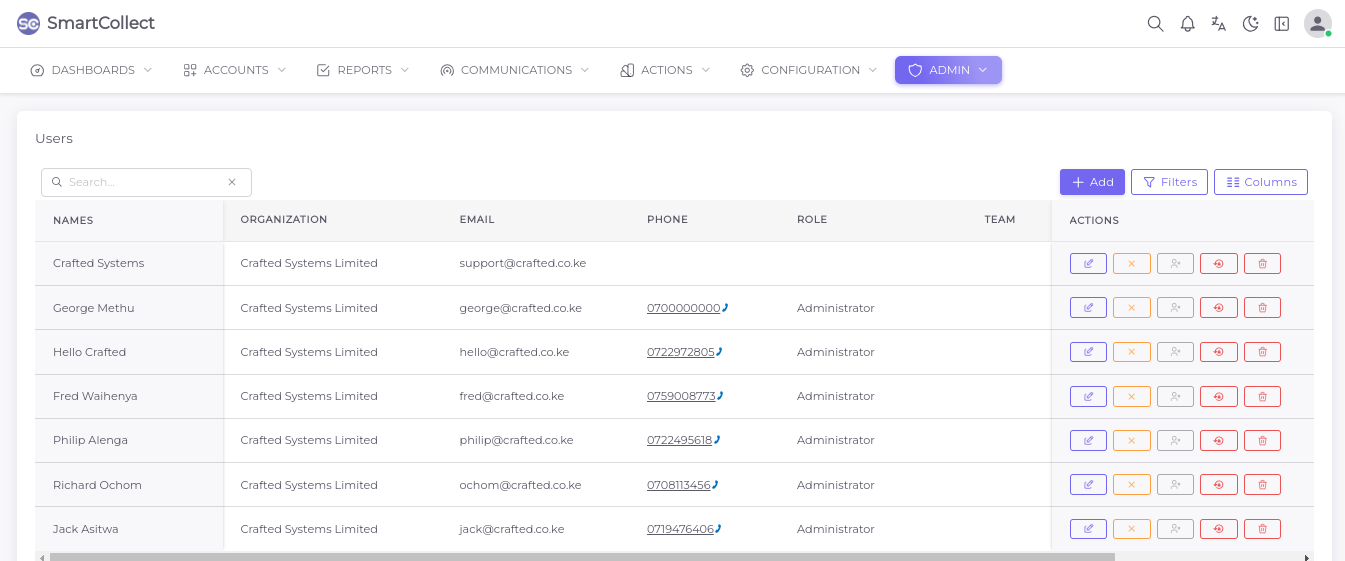
In this section, the admin can view the list of users that are created on the system and have the access to add new users.
How To Add a User
To add a new user, click on the + Add button then fill in the information required on the Menu that pops up on the right side of the screen as illustrated below;
Teams
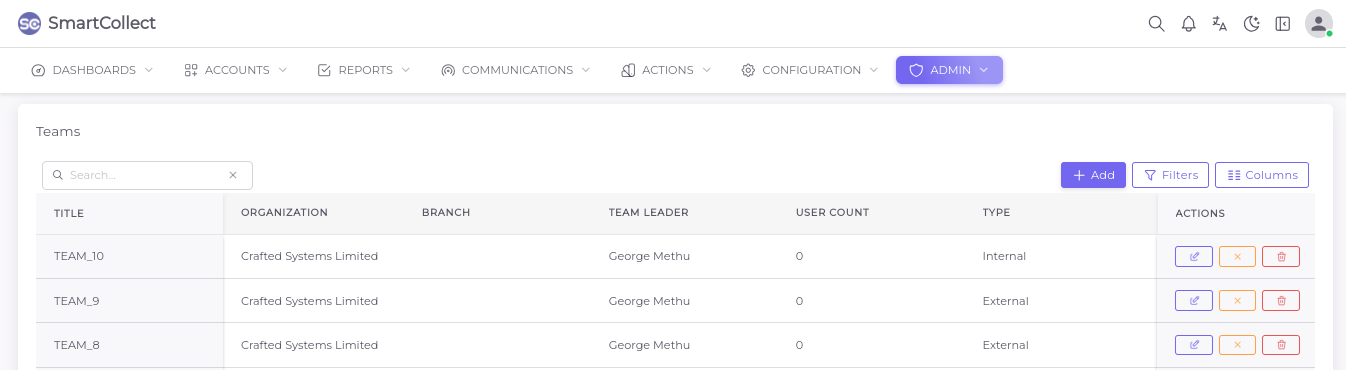
Users can be classified on the system based on certain common characteristics or goal. Here the admin creates teams and assigns users to the teams.
How to Add a Team
Click on the + Button to activate the user creation menu, from which fill in all the mandatory fields marked woth the red asterisk as shown below;
Roles
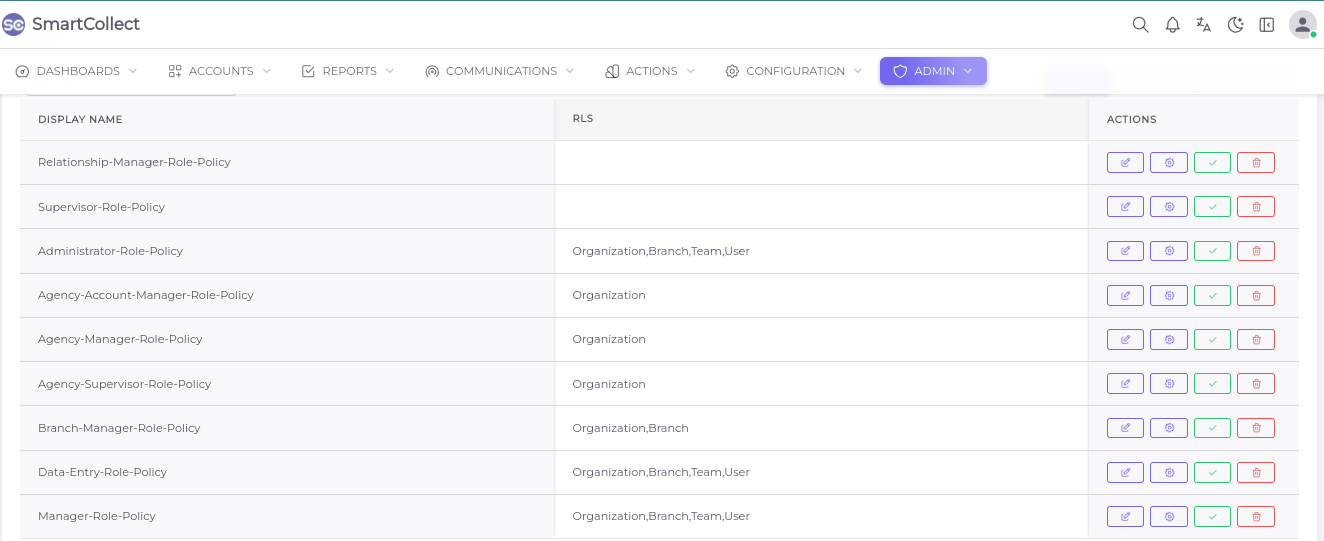
This is the section where access right are managed and controlled.The default roles are listed here but organizations are given the access to customize them based on how they operate internally.
Permissions
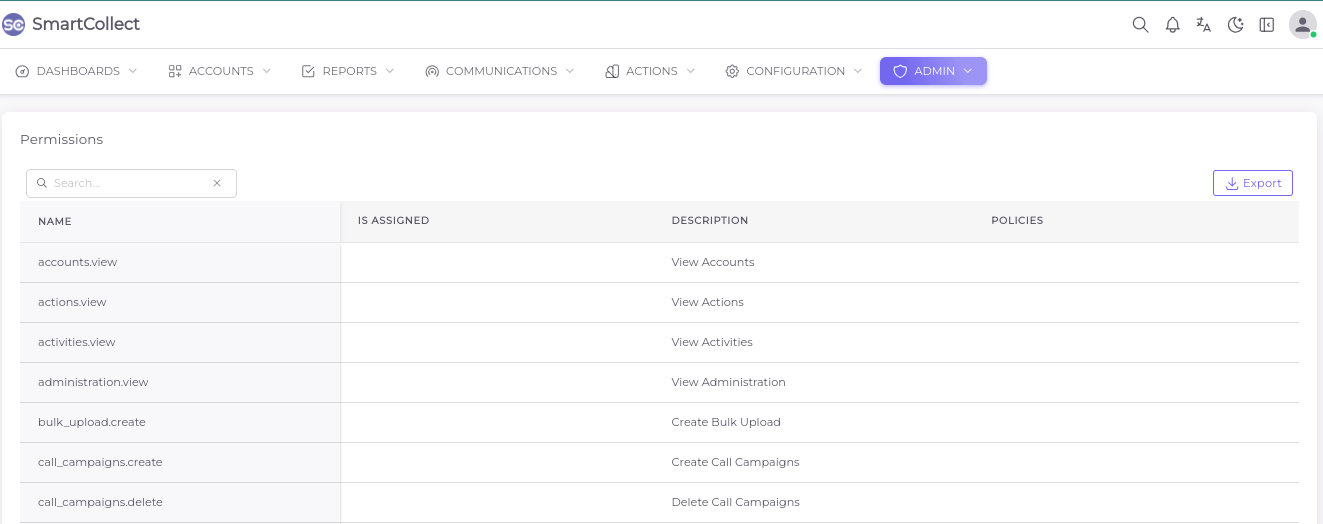
The role particulars are managed from this page.This covers the exact actions a user is allowed to do or menus allowed to access on the system.